
Long-running dev commands are loud. flutter run, adb logcat and
docker logs -f print thousands of lines a minute, and the one line you
care about scrolls past before you can read it. Piping into grep means
choosing the pattern up front and restarting the command to change it.
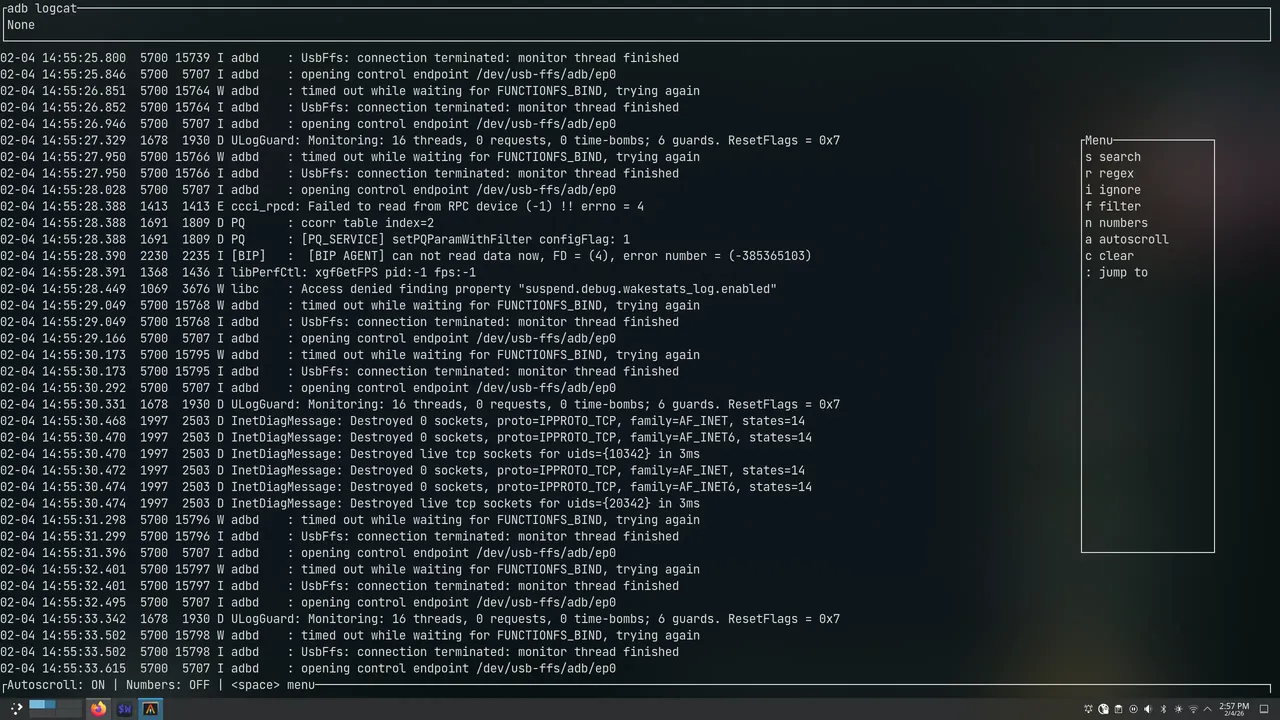
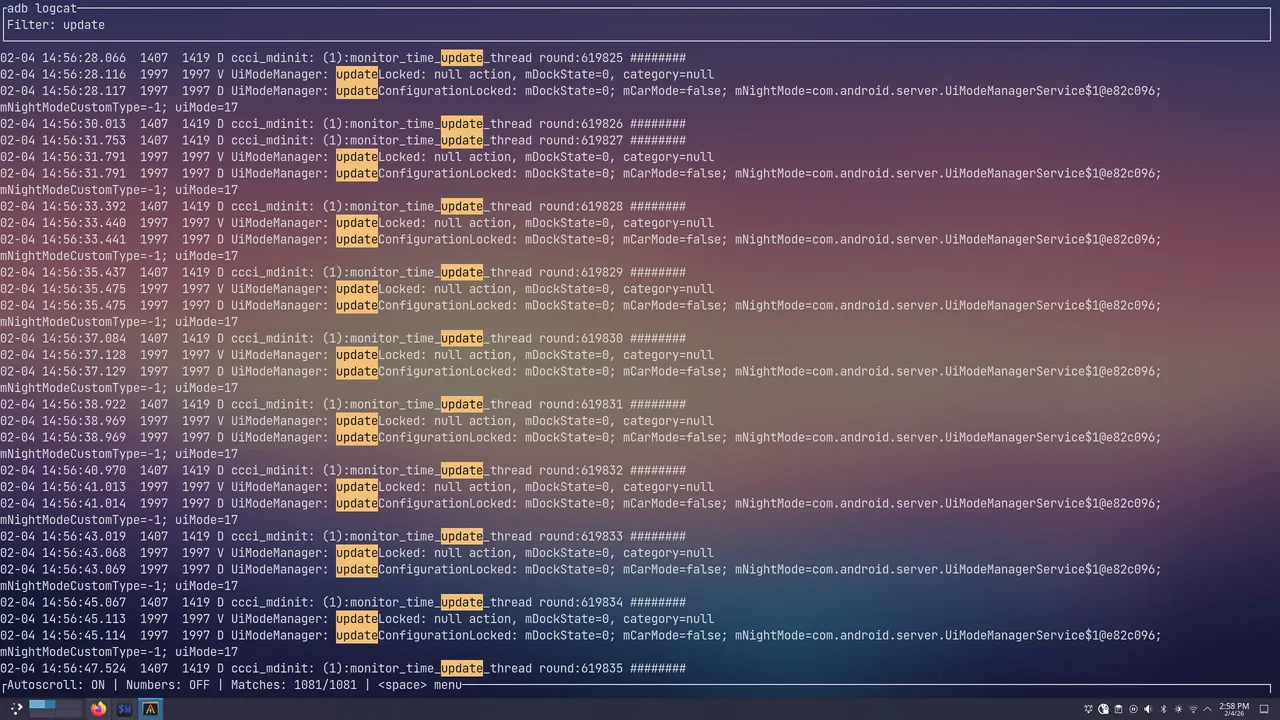
Filter flips that around. You put it in front of the command, and it keeps the whole stream while showing only what matches. Change the pattern as often as you like; the command keeps running.
cargo install filter-rs

filter flutter run
filter docker logs -f api
filter python app.py
How it works
- It owns the process. Filter spawns the command itself, with one thread each reading stdout and stderr and one writing to its stdin, so it captures everything from the first line and exits with it.
- A paged ring buffer. Output is stored in fixed-size pages (32
pages of 64 KB by default, or set a cap like
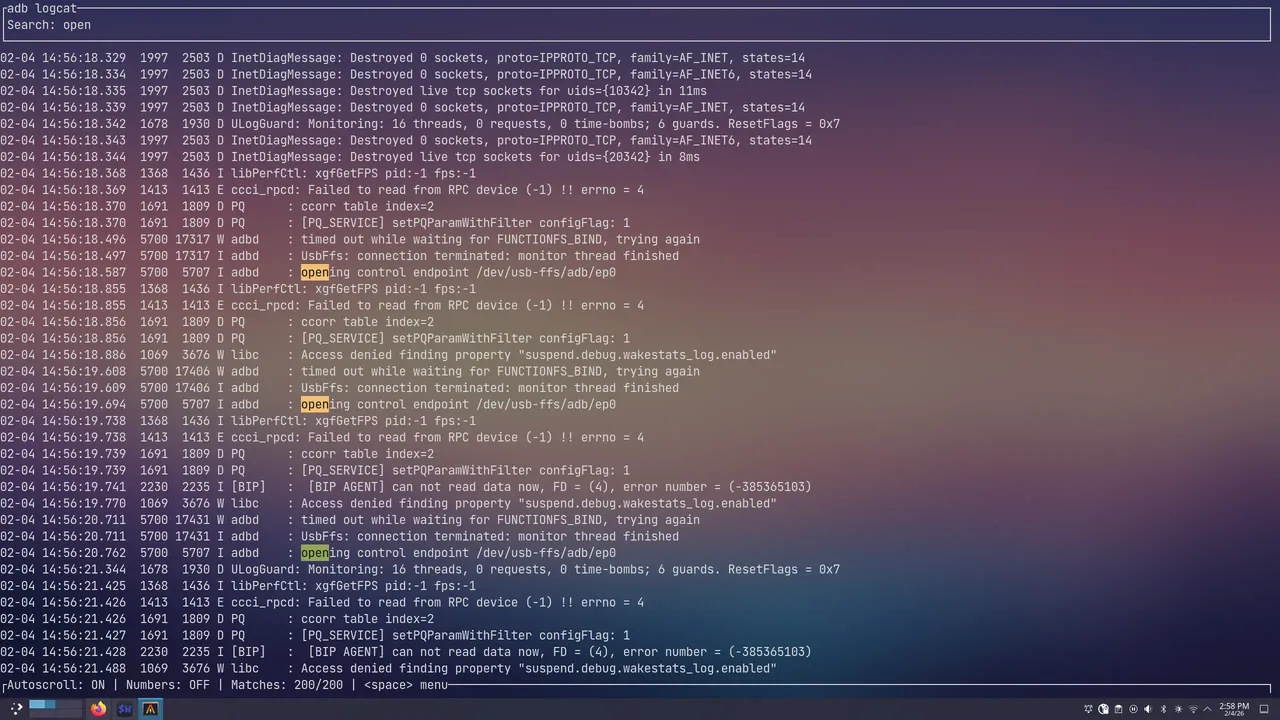
--max-buffer-size 1GB). When the buffer is full the oldest page is dropped, so memory stays bounded however long the command runs. - Filter versus search. A filter hides every line that doesn’t match; a search keeps everything visible and jumps between matches. Both take plain text or a regex, and both apply to the whole buffer, so changing the pattern rewrites the view instantly.
- Parallel matching. Finding every match fans out across the buffer pages with Rayon, so re-filtering a full buffer stays interactive.
- Keyboard-driven:
jandkto move,spacefor the menu,Ctrl+qto quit, and autoscroll and line numbers toggled from the status bar.
The TUI is built with ratatui, and Filter can log
its own diagnostics to a file set by FILTER_LOG_FILE, so debugging it
never pollutes the screen it draws.